

Blog Management 101: A Simple Workflow To Automate Content Without Losing Your Voice

Blog Management 101: A Simple Workflow To Automate Content Without Losing Your Voice
If you’re juggling client work, product dev, and sales, content creation is usually the first thing to slip. The trick is to automate the repeatable parts of blog management while keeping the parts that actually need your brain.
Here’s a compact workflow you can plug into RankBolt or BlogDesk today.
1. Define one clear publishing goal for the next 90 days
Before tools, decide what “good” looks like. For the next 90 days, pick one primary goal:
- More organic traffic (top-of-funnel, educational posts)
- More trial/demo signups (comparison, use case, and how-to posts)
- Better brand authority (deep, opinionated content)
Your goal decides which topics get written first and how you judge success.
2. Automate topic and keyword research
Manual keyword research every week eats time fast.
Instead:
- List 5–10 core topics tied to your product or service.
- Drop them into the RankBolt AI blog generator or a similar tool.
- Export or copy the suggested SEO-optimized titles and keywords into your content calendar.
You go from “no idea what to write” to a full quarter of topics in under an hour.
3. Use templates to speed up drafting
Create 2–3 reusable post templates that match your goal, for example:
- “How to” tutorial
- Product-focused use case
- Comparison (X vs Y)
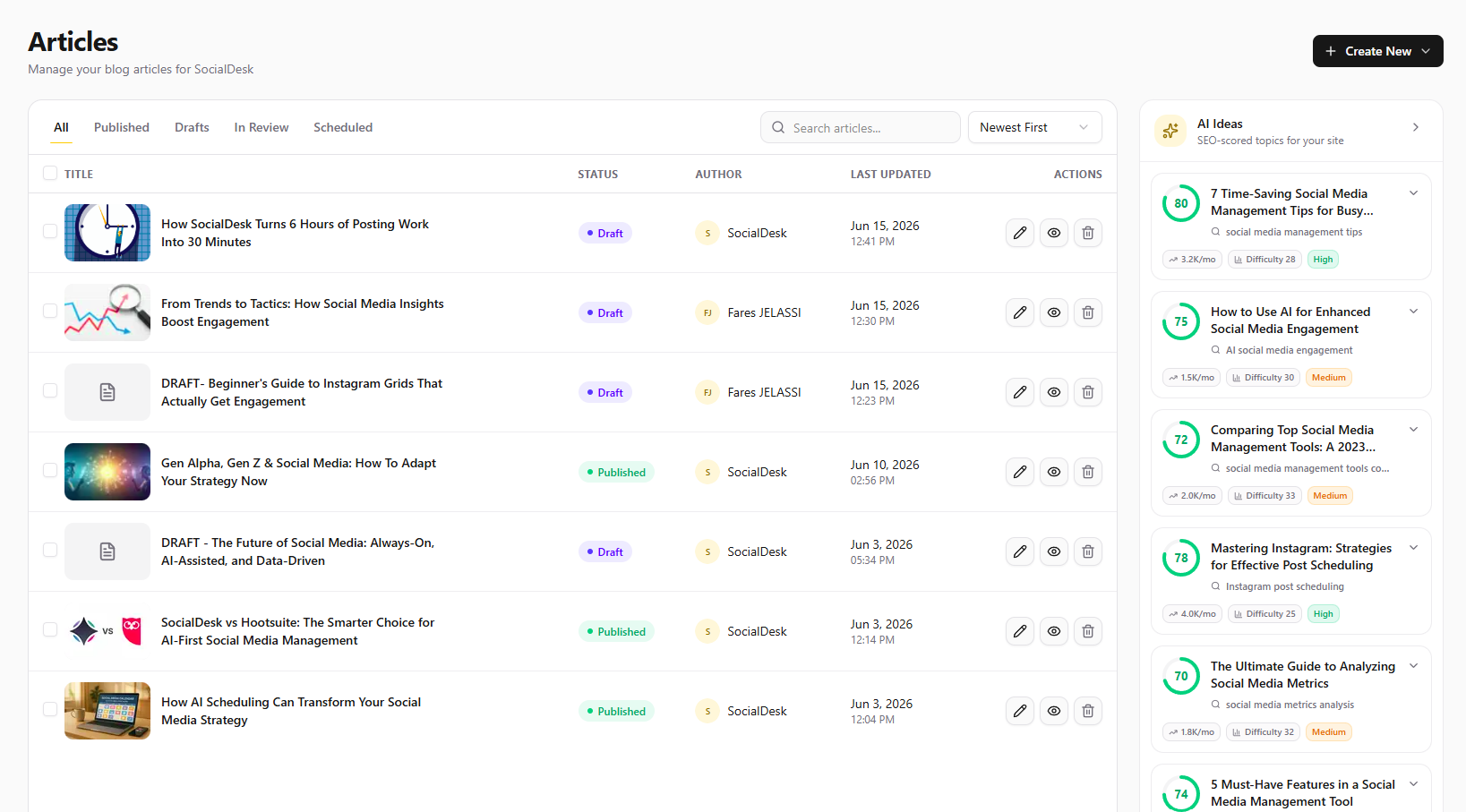
When you open RankBolt’s WordPress, Webflow, or Shopify writer:
- Pick your target keyword + template type.
- Let AI generate the first draft.
- Add your own story, screenshots, and objections you hear from real customers.
This keeps your voice on top of an automated base.
4. Plug SEO optimization into publishing, not editing
A lot of creators try to “do SEO” during editing and burn out.
Shift SEO checks to the publishing step:
- Confirm 1 main keyword in title, first paragraph, H2, and URL.
- Add 2–3 internal links to money pages and related posts.
- Write a human meta description that includes the keyword and a benefit.
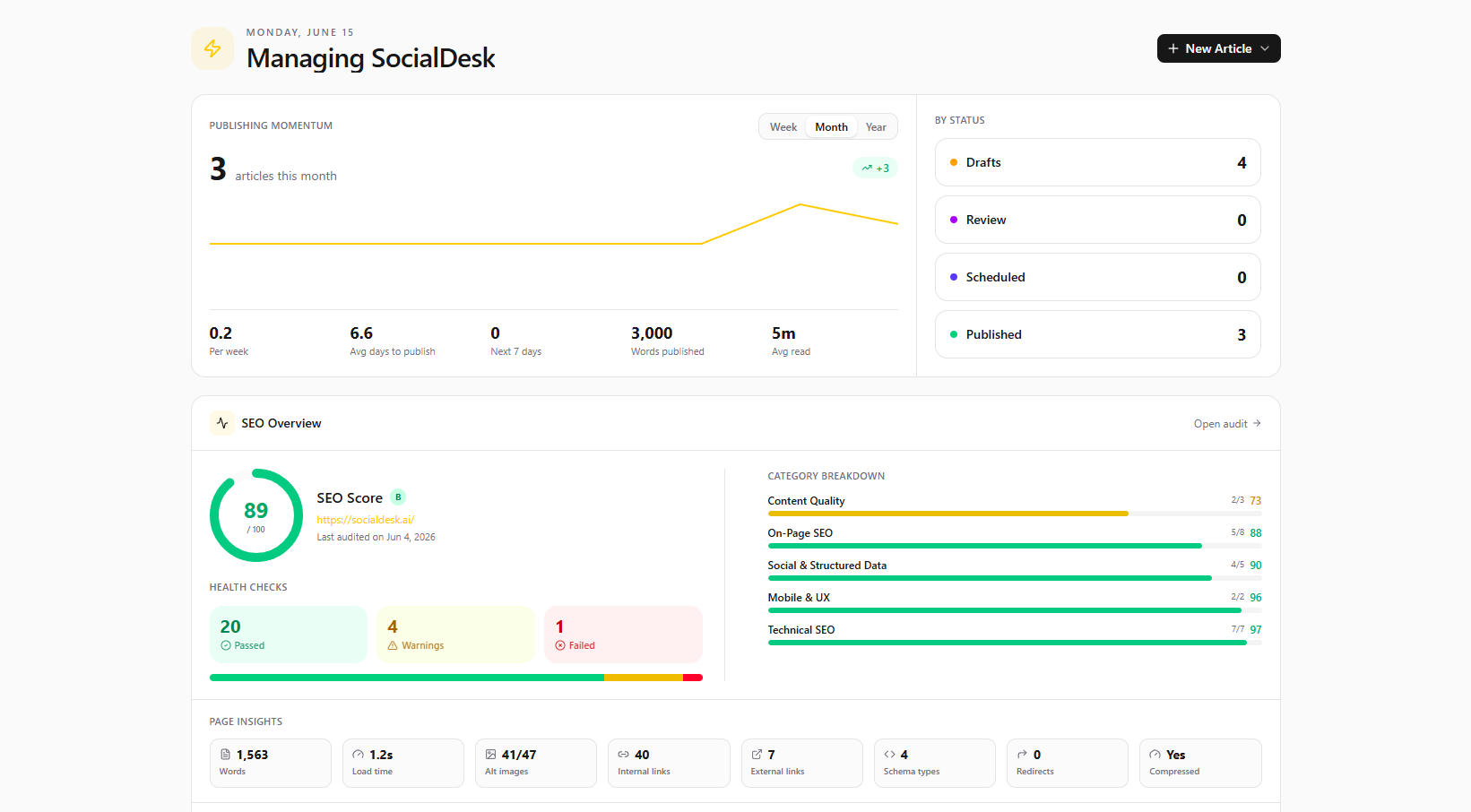
If you’re using RankBolt, the dashboard’s SEO audit view makes it easy to see which posts still miss basics like meta tags or internal links.
5. Batch publishing across all your sites
Managing multiple blogs (say, main site + Shopify store + separate niche site)? Don’t context-switch all week.
Once a week:
- Open your RankBolt content calendar.
- Schedule posts across all connected sites in one sitting.
- Use consistent UTM tags so you can track which posts drive revenue.
You walk away with a week (or month) of content on autopilot, without feeling like you live inside your CMS.